
2025 Generative AI Product of the Year
Ironscales Email Security: Leading the charge in how Generative AI can solve real business challenges today.

Official Partner of Constant Edge
Prevent advanced phishing, BEC, ransomware and account takeover with IRONSCALES - AI-powered, self-learning email security that works at the mailbox level. API-based protection for Microsoft 365 and Google Workspace.

WHO ARE IRONSCALES
IRONSCALES is an AI-driven, self-learning email security platform that stops advanced phishing attacks and account takeover threats. It combines artificial and human intelligence, using AI, AV and sandboxing to detect suspicious content, while letting end users report threats directly from their inbox.
The platform deploys in minutes alongside your existing Microsoft 365 or Google Workspace setup. Constant Edge has partnered with IRONSCALES because it consistently catches the advanced threats that traditional secure email gateways miss.
HOW DOES IRONSCALES WORK
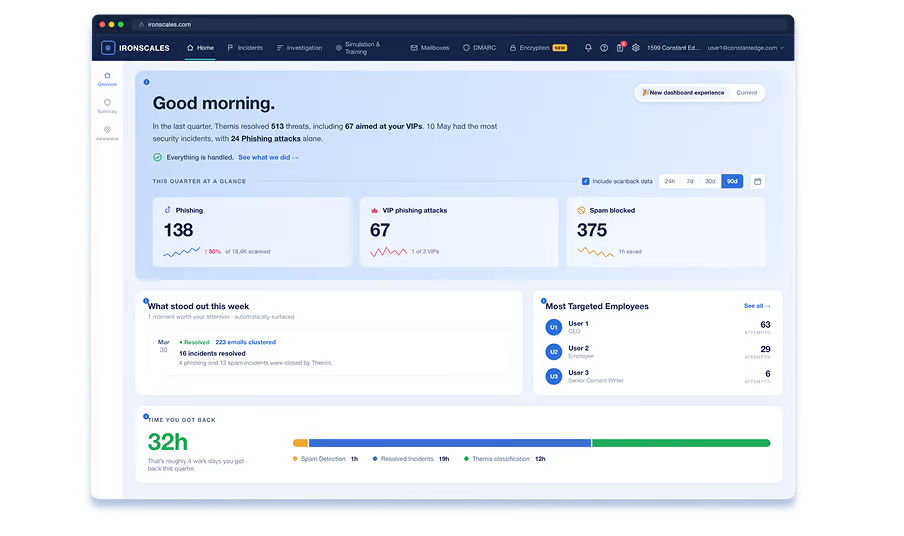
IRONSCALES connects to Microsoft 365 or Google Workspace via API, with no MX record changes required. It builds a behavioral baseline for every mailbox, then uses multi-layered AI to detect anomalies in real time. Suspicious emails are flagged, investigated and remediated automatically, before and after delivery.
WHY SHOULD I USE IRONSCALES
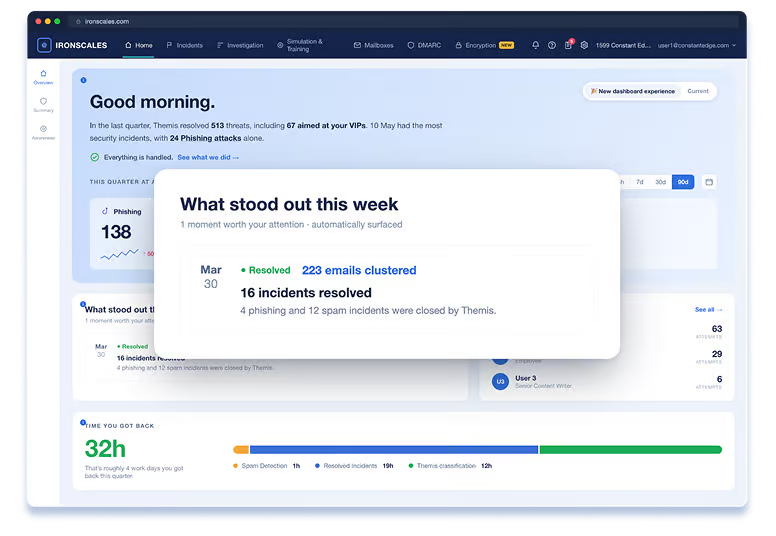
Traditional secure email gateways filter at the perimeter and miss targeted threats like BEC, VIP impersonation and account takeover. IRONSCALES operates at the mailbox level - where attacks land - and catches what the gateway missed. Real-time warning banners and built-in simulations train your users at the same time.
TRY BEFORE YOU BUY
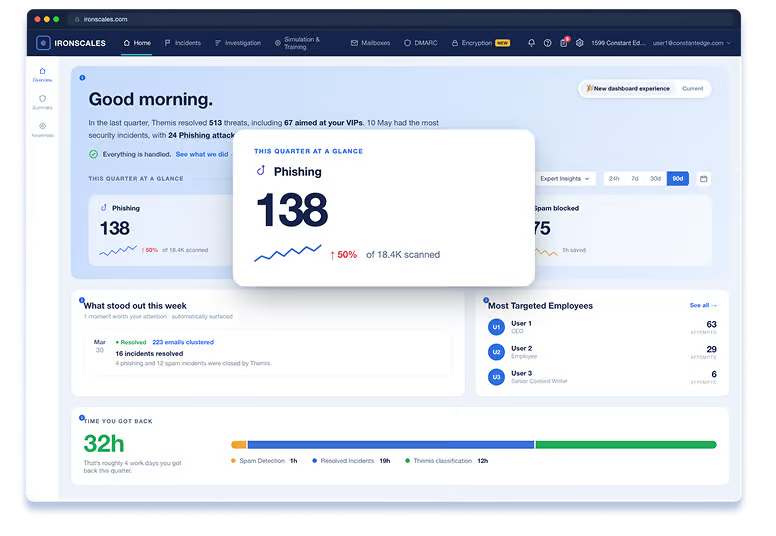
We connect it to your Microsoft 365 or Google Workspace environment, configure it properly, and at the end show you exactly what it caught and what your existing setup missed.
BENEFITS OF IRONSCALES
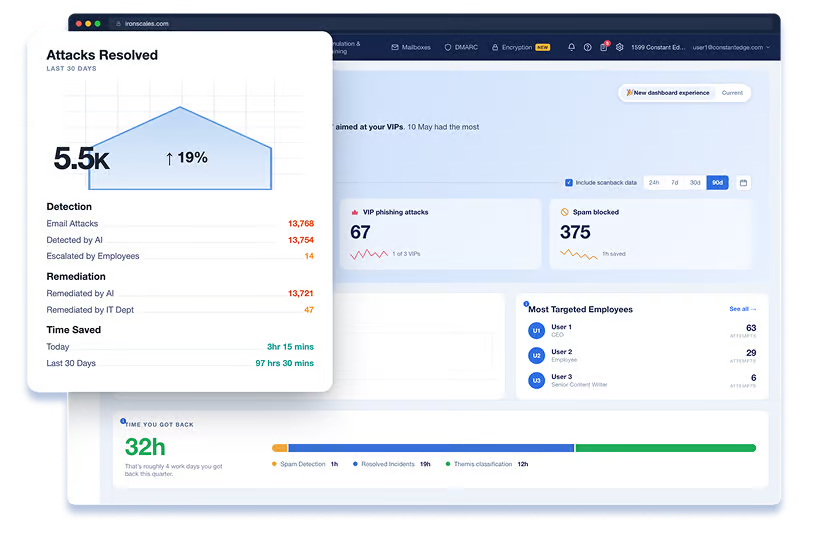
From detection to remediation to employee training, IRONSCALES handles the full phishing response lifecycle without a separate simulation tool or manual SOC investigation. The Themis AI analyst automates incident triage so your team spends less time on email threats.
AWARDS AND RECOGNITION
Ironscales Email Security: Leading the charge in how Generative AI can solve real business challenges today.

Recognised by Expert Insights as a leading email security solution, following independent research and evaluation.

Visionary in the 2025 Gartner Magic Quadrant for Email Security.
HOW WE DEPLOY IT
For most customers, setup is straightforward: an administrator authorizes the connection, we configure the policy for your environment, and IRONSCALES starts protecting mailboxes immediately. We provide additional planning for multi-tenant environments or migrations from an existing gateway.
STEP 1
An authorized Microsoft 365 or Google Workspace administrator connects the environment through the API. No MX record changes, no mail routing changes and no software to install.
STEP 2
We select the mailboxes and groups to protect, configure remediation behavior and enable user reporting and alert banners. We review the settings and advise on anything that needs additional attention.
AUTOMATIC
IRONSCALES starts scanning immediately and builds a behavioral baseline for every mailbox over the following days. Detection accuracy improves as the baseline establishes, so we review initial detections with you and tune out false positives.
COMPLEX DEPLOYMENTS
Replacing an existing secure email gateway means deciding what runs in parallel and for how long, and unpicking the rules that were compensating for it. Multi-tenant environments need policy decisions made once and applied consistently. In these cases most of the additional work is planning the sequence rather than configuring the service.
Most deployments are live the same day. Gateway migrations and multi-tenant rollouts take longer to plan and verify.
IRONSCALES AND CONSTANT EDGE
We connect IRONSCALES to your Microsoft 365 or Google Workspace tenant and configure it properly. Go-live under 2 hours for most SMBs.
Your support contact is the engineer who set it up, not a ticket queue.
We'll tell you if IRONSCALES is right for your environment. If another vendor suits better, we'll say so.
If you also run a traditional SEG, we configure IRONSCALES to work alongside your full stack.
From the team behind Expert Insights, the independent research platform read by over a million security professionals a year.
FAQ
Under a day in most cases. IRONSCALES connects to Microsoft 365 or Google Workspace through the API, so there are no MX record changes and no mail flow rules to unpick. We connect it, configure the policy for your environment, and hand back a working setup.
Yes. We run a 14-day trial against your real environment, Microsoft 365 or Google Workspace, so you see what IRONSCALES catches in your own tenant rather than a demo. At the end we show you exactly what it found and what your existing setup missed, and if it isn’t picking up anything your current stack is missing, we’ll tell you.
IRONSCALES is priced per mailbox. The figure depends on plan tier, seat count, and billing region. Contact us for a written quote the same business day.
IRONSCALES pricing is typically stable at renewal. We will flag any changes in advance and advise on the right tier for your environment and budget.
Business Standard is fine. IRONSCALES works through the Microsoft 365 API and doesn’t depend on your license tier or on having Defender for Office 365, so there’s no need to upgrade to E3 or E5 to run it. That’s often the point: it gives you the protection without the license step up. The same applies to Google Workspace, where it runs on any Business or Enterprise edition.
Microsoft Defender catches commodity threats. IRONSCALES adds inbox-level protection against BEC, account takeover, VIP impersonation, and lateral phishing that Defender misses. Both can run in parallel.
Yes. IRONSCALES connects to Google Workspace through the API in the same way it connects to Microsoft 365, with no changes to mail routing. It’s often a stronger fit for Google Workspace environments, where native protection stops at spam and malware filtering and there are fewer third-party options that work at the mailbox level rather than the perimeter.